FOCUSYou commented this keyword
Karpathy CLAUDE.md
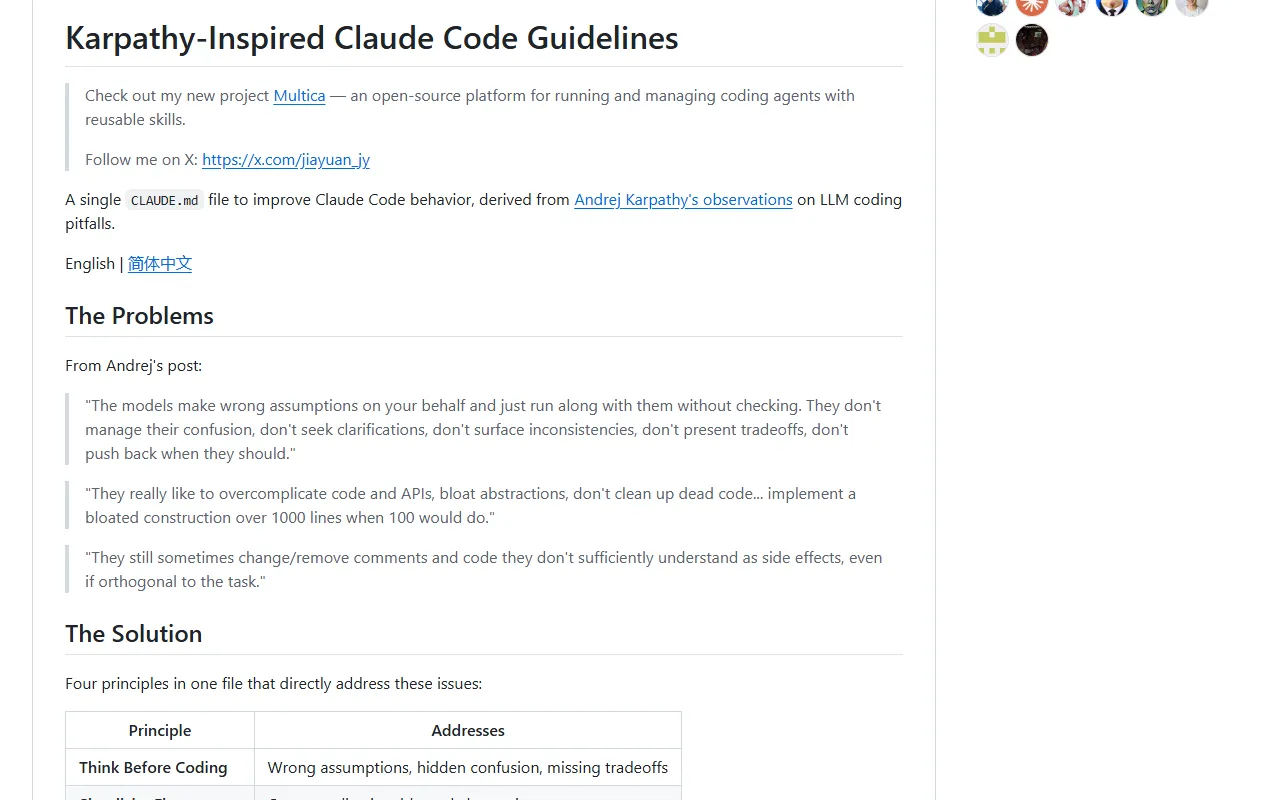
One CLAUDE.md file, based on Andrej Karpathy's notes on AI coding mistakes, that makes Claude ask first, keep it simple and touch only what it must.
- Claude Code
- Setup
- 1 min
- Level
- Beginner
- Stars
- 217k
- License
- MIT
What it does
CLAUDE.md is a file of standing instructions Claude Code reads at the start of every session. This one turns Andrej Karpathy's complaints about AI coding into four rules: think before coding, simplicity first, surgical changes, and goal-driven execution.
In practice Claude states its assumptions, asks when something is unclear, writes less code, and leaves unrelated code alone.
Install it
- Open Claude Code.
- Add the marketplace with the first command below.
- Install the plugin with the second command. The rules then apply across all your projects.
Install as a plugin
/plugin marketplace add forrestchang/andrej-karpathy-skills
/plugin install andrej-karpathy-skills@karpathy-skills
Or add it to one project
- In your terminal, go to your project folder.
- Run the command below to download the file as CLAUDE.md. If the project already has a CLAUDE.md, the README gives an append version instead so you do not overwrite it.
New project
curl -o CLAUDE.md https://raw.githubusercontent.com/forrestchang/andrej-karpathy-skills/main/CLAUDE.md
Use it
- Work as usual. You should see fewer unneeded changes in diffs and clarifying questions before Claude starts, not after a mistake.
- Add your own project rules under it in the same CLAUDE.md file.
Good to know
The rules favor caution over speed. For a typo fix or an obvious one-liner, you do not need the full process. The repo also ships a Cursor rule with the same guidelines.
Want the next one first?
One new guide a week, straight to your inbox.