TESTERYou commented this keyword
Playwright MCP
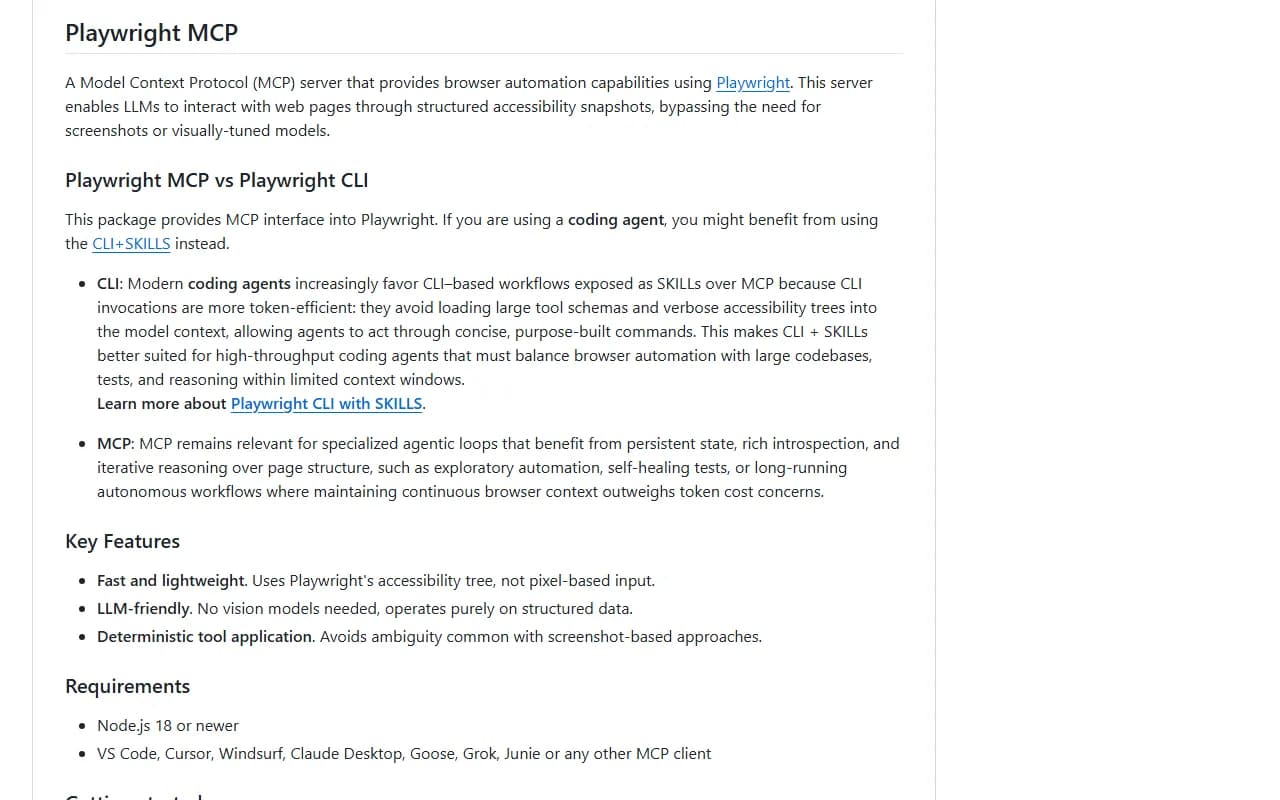
Microsoft's MCP server that lets Claude open pages, click, type and read websites using structured page data instead of screenshots.
- Node.js 18 or newer
- Claude Code or Claude Desktop
- Setup
- 3 min
- Level
- Beginner
- Stars
- 37.9k
- License
- Apache-2.0
What it does
Playwright MCP is an MCP server. An MCP server is a connector that gives Claude new tools. This one gives Claude a real browser it can control: open a URL, click buttons, fill forms and read what is on the page.
It reads the page through its accessibility tree (a structured outline of everything on the page), so Claude does not need to look at screenshots.
Install it
- Make sure Node.js 18 or newer is installed.
- In your terminal, run the Claude Code command below to add the server.
- Start a new Claude Code session so the browser tools load.
Copy this
claude mcp add playwright npx @playwright/mcp@latest
Claude Desktop instead
- Follow the MCP install guide at modelcontextprotocol.io/quickstart/user to open your Claude Desktop config file.
- Paste the standard config below, save, and restart Claude Desktop.
Standard config
{
  "mcpServers": {
    "playwright": {
      "command": "npx",
      "args": [
        "@playwright/mcp@latest"
      ]
    }
  }
}
Use it
- Ask Claude to open a website and tell you what is on it.
- Ask it to click through a flow or fill in a form on a site you are testing.
- By default a visible browser window opens. Add --headless to the args if you want it to run in the background.
Good to know
Logged-in sessions are saved in a persistent browser profile by default. Use --isolated to keep the profile in memory only.
The README says Playwright MCP is not a security boundary. If you are a coding agent user, Microsoft also suggests trying Playwright CLI with skills, which uses fewer tokens.
Want the next one first?
One new guide a week, straight to your inbox.