CATALOGYou commented this keyword
Awesome Claude Skills
Composio's curated list of Claude skills and plugins, sorted by category: documents, coding, data, marketing, writing, creative, productivity and more.
- Claude.ai, Claude Desktop or Claude Code
- Setup
- 5 min
- Level
- Beginner
- Stars
- 76.6k
- License
- Apache-2.0
What it does
This is a list, not a single tool. It collects Claude skills from Anthropic and the community and sorts them into categories: document processing, development and code tools, data and analysis, business and marketing, communication and writing, creative and media, productivity, project management, and security.
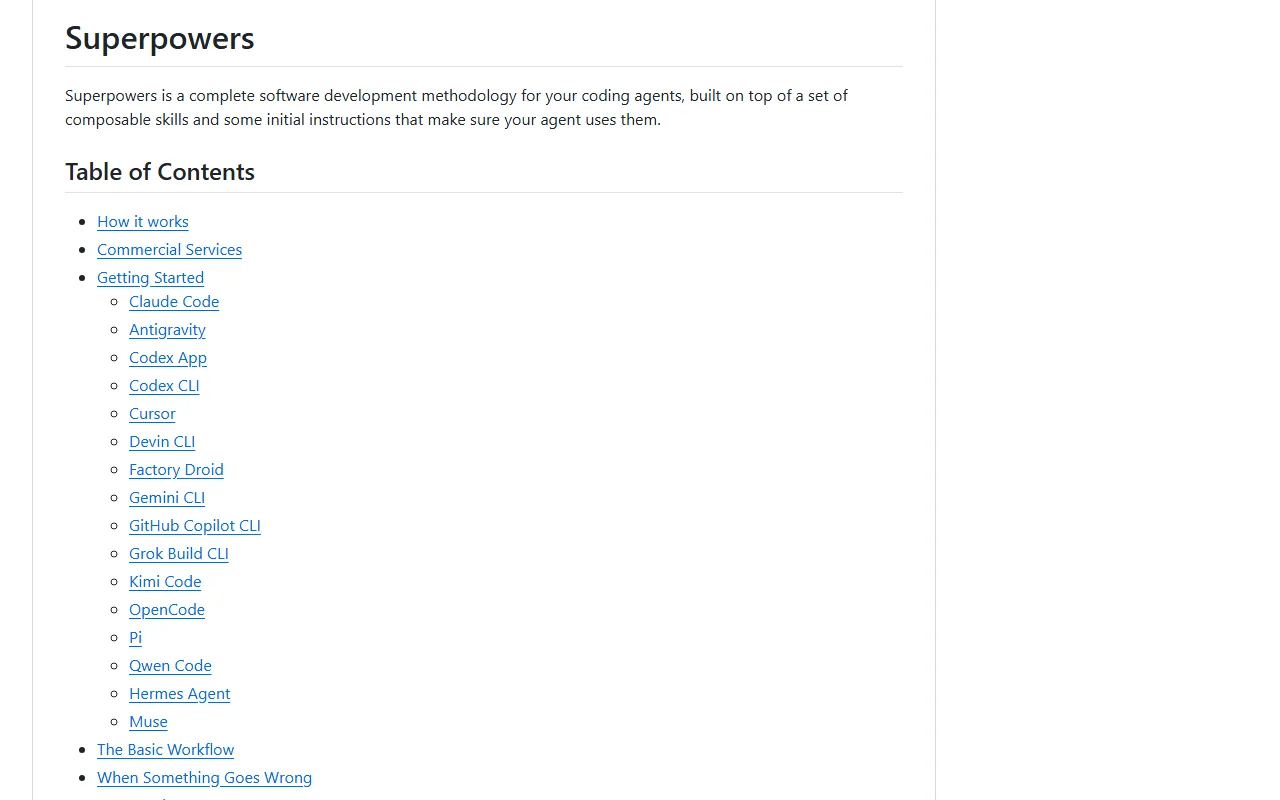
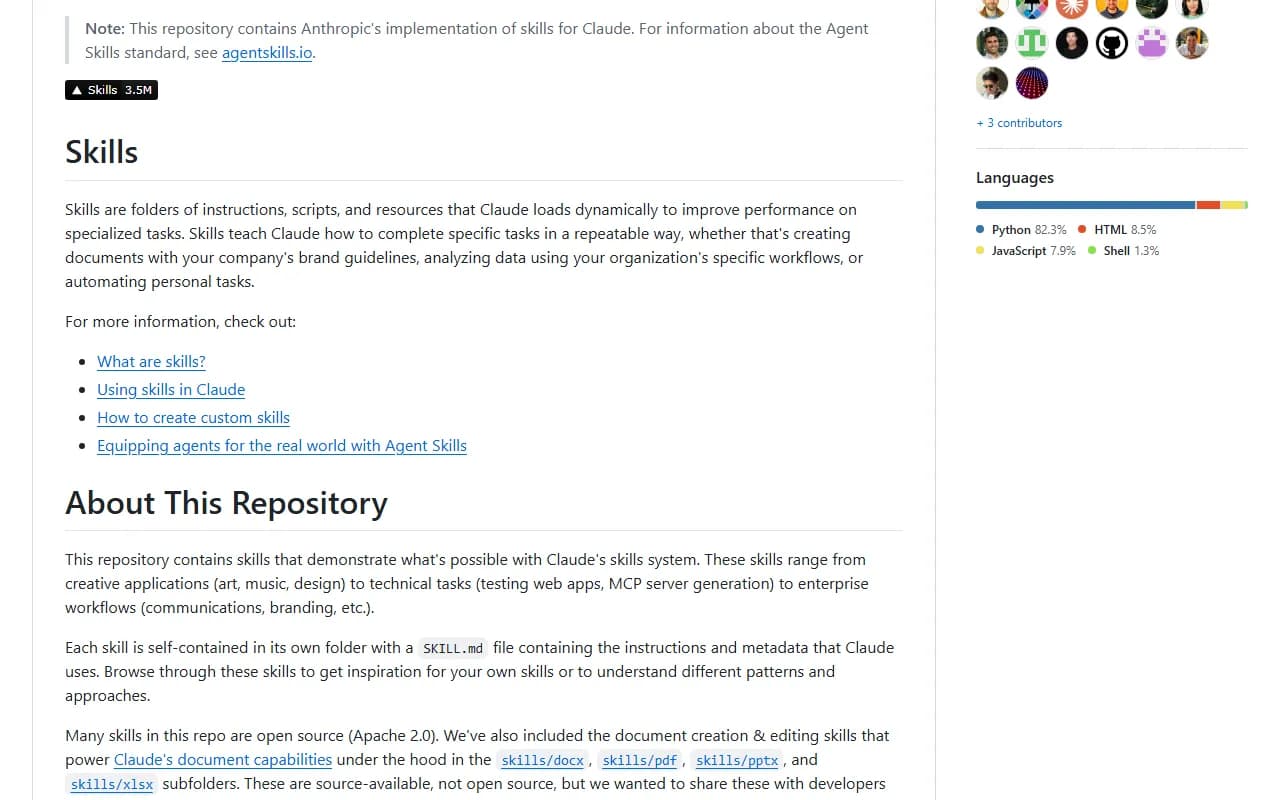
A skill is a folder with a SKILL.md file that teaches Claude how to do one kind of task. Claude only loads the full instructions when a task needs them, so you can have many installed.
How to use it
- Open the repo on GitHub and scroll to the Contents list.
- Jump to the category you care about, for example Business & Marketing or Document Processing.
- Click a skill's name. Most link to their own GitHub page, which has that skill's install steps. Follow those.
- On Claude.ai, add skills from the marketplace or upload a custom skill, and Claude turns it on when your task matches.
Optional: connect Claude to your apps
- The list's makers, Composio, also ship a connect-apps plugin so Claude can send emails, create issues or post to Slack.
- From the repo folder, start Claude Code with: claude --plugin-dir ./connect-apps-plugin
- Run /connect-apps:setup and paste a free API key from dashboard.composio.dev, then restart Claude Code.
Good to know
The list itself is Apache 2.0, but each skill can have its own license. Check the skill's folder or repo before you use it in client work. Skills in the list are community-submitted, so read a skill's SKILL.md before you install it.
Want the next one first?
One new guide a week, straight to your inbox.