BROWSERYou commented this keyword
Playwright Skill
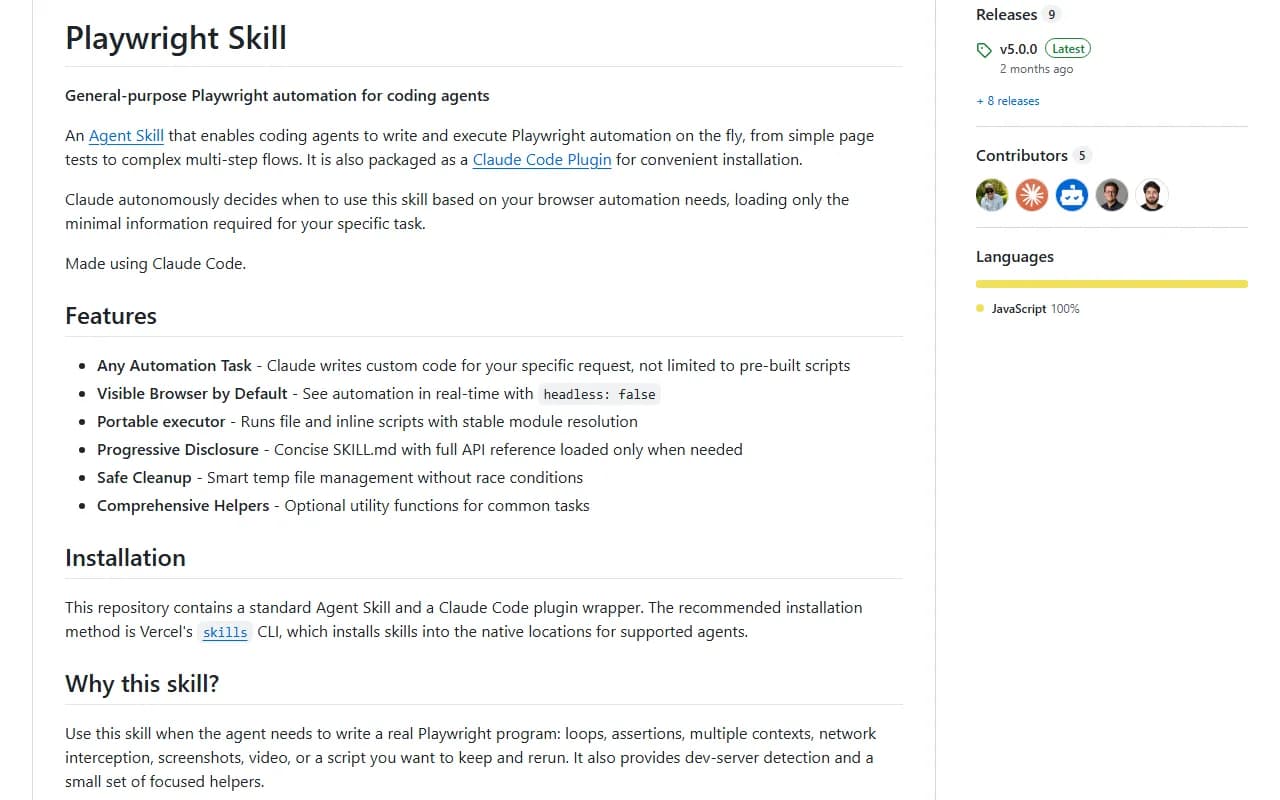
Claude writes and runs Playwright browser scripts for you: test pages, fill forms, check links and take screenshots in a visible browser.
- Claude Code
- Node.js
- Setup
- 5 min
- Level
- Intermediate
- Stars
- 3.2k
- License
- MIT
What it does
Playwright is a tool for controlling a web browser with code. With this skill, you describe what to test or automate and Claude writes a custom Playwright script, runs it and shows you the results with screenshots and console output.
The browser is visible by default, so you can watch it click through your site.
Install it
- Open your terminal. You need Node.js installed.
- Run the first command below to install the skill for your user account.
- Go to the installed skill's folder and run the setup command. It installs Playwright and Chromium.
- In Claude Code, run /help to confirm the skill is loaded.
Install the skill
npx skills add lackeyjb/playwright-skill --skill playwright-skill --global --yes
Run setup (from the installed skill folder)
npm run setup
Or install as a Claude Code plugin
- In Claude Code: /plugin marketplace add lackeyjb/playwright-skill
- Then: /plugin install playwright-skill@playwright-skill
- In your terminal: cd ~/.claude/plugins/marketplaces/playwright-skill/skills/playwright-skill then npm run setup
Use it
- Try a simple first test: "Test if google.com loads".
- Then point it at your own site: "Check if the contact form works" or "Take screenshots of the dashboard in mobile and desktop".
- Other ideas from the README: "Check for broken links", "Verify all images load", "Fill out the registration form and submit it".
Good to know
If Playwright is not installed or you see errors, go to the skill folder and run npm run setup again. To install every browser, not just Chromium, run npm run install-all-browsers there.
For simple interactive browsing, the author suggests Microsoft's own Playwright CLI or Playwright MCP. This skill is the code-first option when you want a script you can keep and rerun.
Want the next one first?
One new guide a week, straight to your inbox.