HIREYou commented this keyword
The Agency
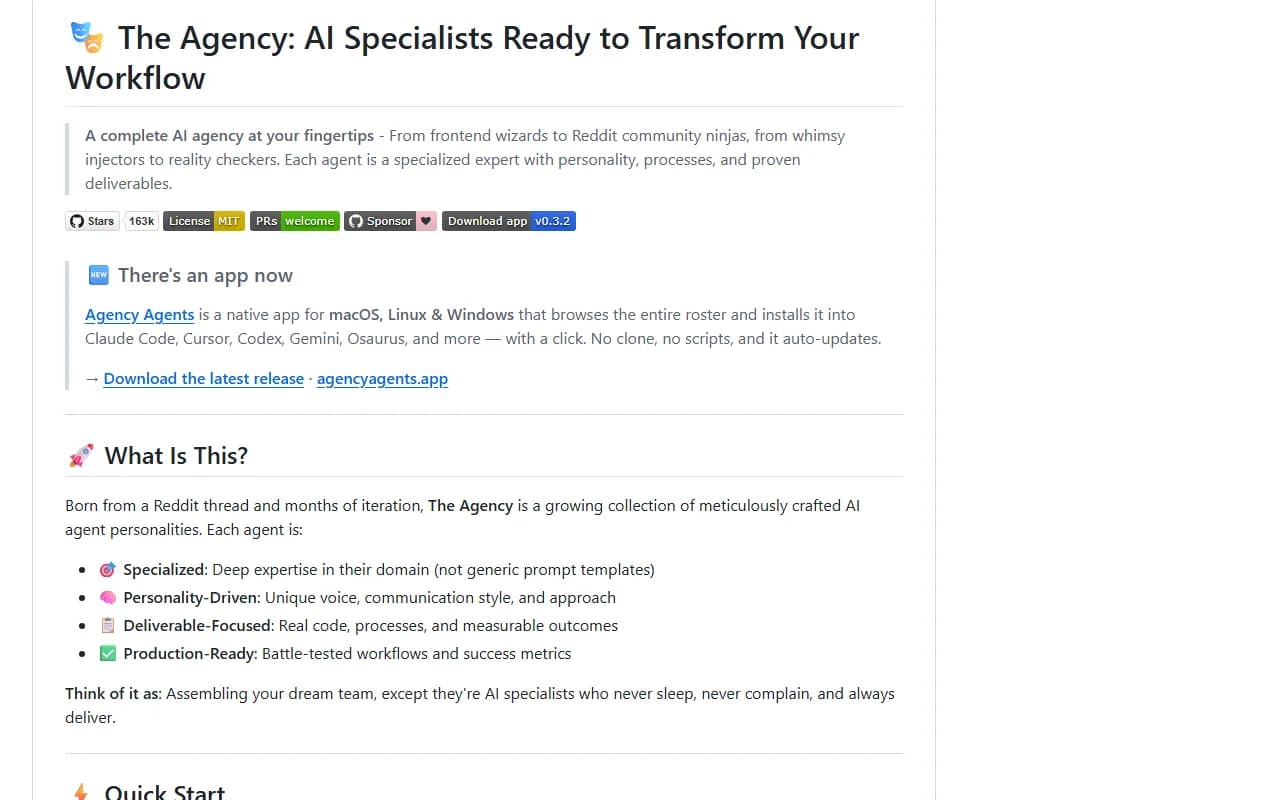
A ready-made team of AI specialists, from frontend developer to marketing and sales roles, that you can call on inside Claude Code.
- Claude Code (or another supported AI coding tool)
- Setup
- 5 min
- Level
- Beginner
- Stars
- 158k
- License
- MIT
What it does
The Agency is a collection of more than 230 agent files. Each one is a specialist with its own role, working style, process and deliverables, grouped into divisions such as engineering, design, paid media, sales, marketing, product, testing, security and finance.
An agent here is a written job description that Claude Code takes on when you ask for it. You install the files once, then ask Claude to work as that specialist.
Install it
- Download the Agency Agents desktop app from the latest release page (macOS, Linux or Windows). No terminal needed.
- Mac users can install the app with Homebrew instead, using the command below.
- Open the app, browse the roster, and click to install the agents you want into Claude Code.
Mac with Homebrew
brew install --cask msitarzewski/agency-agents/agency-agents
Or use the script (from a copy of the repo)
./scripts/install.sh --tool claude-code
Use it
- Open Claude Code in your project.
- Ask for a specialist by name, for example: Use the Frontend Developer agent to review this component.
- Try roles outside coding too, such as the marketing or paid media agents, for campaign work.
Good to know
The script option copies the agent files into ~/.claude/agents/. You can also copy just one division, for example the files in the engineering folder, if you do not want all of them. The same agents work with Cursor, Codex, Gemini CLI, GitHub Copilot and other tools.
Want the next one first?
One new guide a week, straight to your inbox.