MARKDOWNYou commented this keyword
MarkItDown
Convert PDFs, Word, PowerPoint, Excel, images, audio and more into Markdown that Claude and other AI models read easily.
- Python 3.10 to 3.14
- Setup
- 5 min
- Level
- Intermediate
- Stars
- 189k
- License
- MIT
What it does
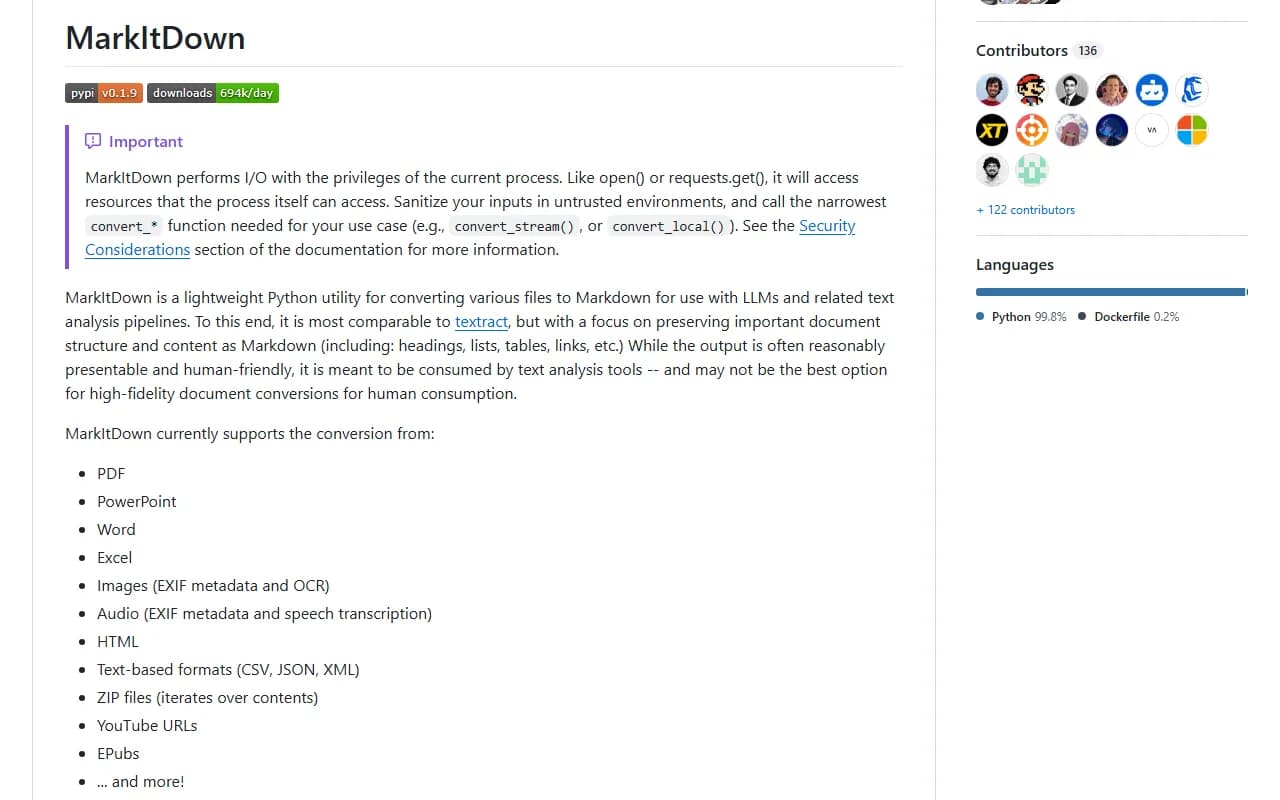
MarkItDown is a small Python tool from Microsoft that converts files into Markdown, the simple text format AI models understand well. It keeps the important structure, like headings, lists, tables and links.
It handles PDF, PowerPoint, Word, Excel, images, audio, HTML, CSV, JSON, XML, ZIP files, YouTube URLs and EPUBs. Convert a file, then give the result to Claude.
Install it
- Install Python 3.10 to 3.14.
- Optional but recommended: create a virtual environment (a private space for this tool's files) with python -m venv .venv, then source .venv/bin/activate.
- Install MarkItDown with all file types using the command below.
Copy this
pip install 'markitdown[all]'
Use it
- Convert a file: markitdown path-to-file.pdf -o document.md
- Open document.md, or upload it to Claude and ask your question.
- In Claude Code, you can ask Claude to run markitdown on a file in your project and then read the result.
Good to know
You can install only the formats you need, for example pip install 'markitdown[pdf, docx, pptx]'. Reading text from images inside documents (OCR) needs the separate markitdown-ocr plugin and an OpenAI-compatible model client.
The repo also has a markitdown-mcp package, but the main README does not explain how to set it up with Claude. MarkItDown can read any file your user account can, so be careful with untrusted inputs.
Want the next one first?
One new guide a week, straight to your inbox.