HARNESSYou commented this keyword
DeepSeek Harness
DeepSeek's own open-source agent harness with a browser-based interface, built so every part of it is a plugin.
Before you start:
- Node.js
- Setup
- 5 min
- Level
- Intermediate
- Stars
- 245k
- License
- MIT
What it does
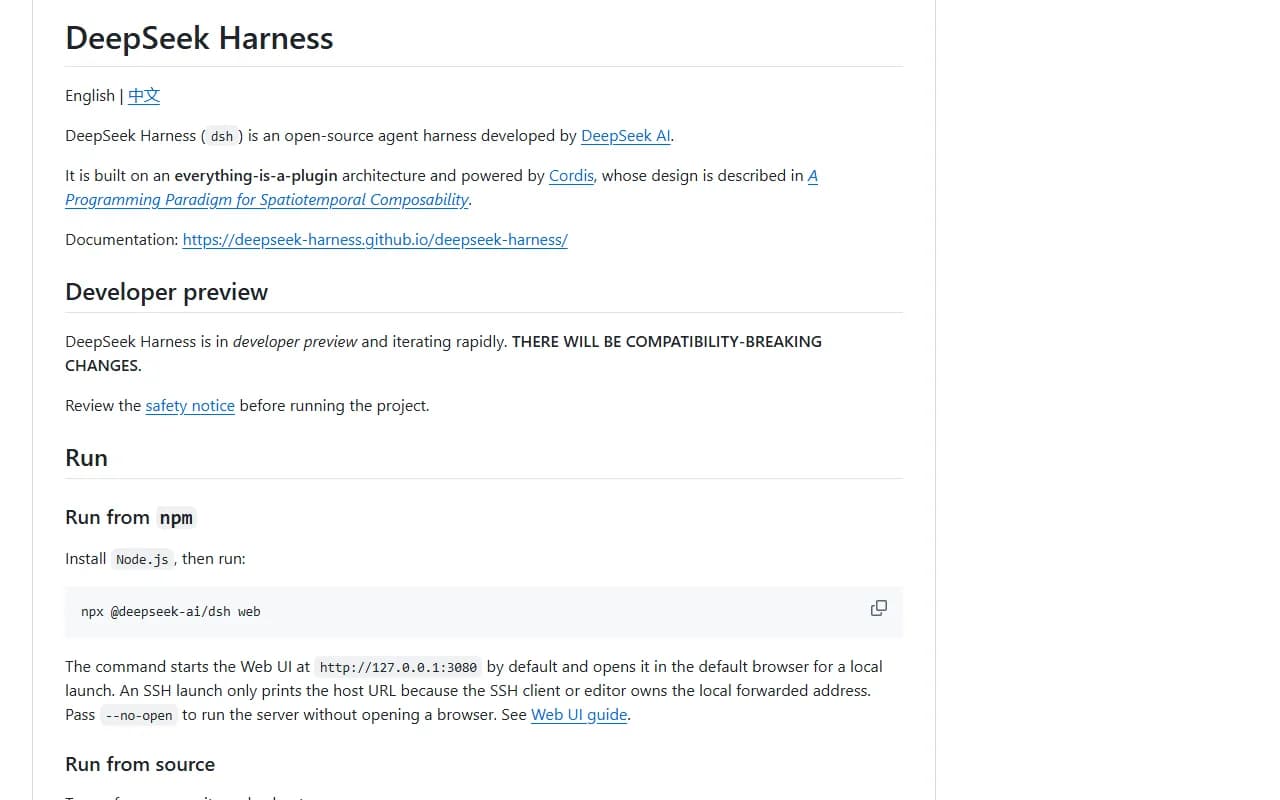
DeepSeek Harness (dsh) is an agent harness from DeepSeek AI. A harness is the app around an AI model that lets it act as an agent: it runs tasks, uses tools and keeps track of the work.
Its design is "everything is a plugin", so features are added and swapped as plugins. It is a separate tool, not something that installs into Claude.
Install it
- Install Node.js if you do not have it.
- Read the project's safety notice (SAFETY.md in the repo) before you run it.
- Open your terminal and run the command below.
- The Web UI opens in your browser at http://127.0.0.1:3080.
Copy this
npx @deepseek-ai/dsh web
Use it
- Work in the Web UI that opens in your browser.
- Add --no-open to the command if you want the server to run without opening a browser.
- See the Web UI guide in the documentation for what to try first.
Good to know
The project is in developer preview and changing fast. The README warns there will be compatibility-breaking changes.
Want the next one first?
One new guide a week, straight to your inbox.