MEMOYou commented this keyword
anydoc
An agent skill from Firecrawl that turns office documents and PDFs into clean Markdown, so Claude Code can read any file it runs into.
- Claude Code (or another compatible agent)
- Node.js (for npx)
- Setup
- 2 min
- Level
- Beginner
- Stars
- 22.5k
- License
- MIT
What it does
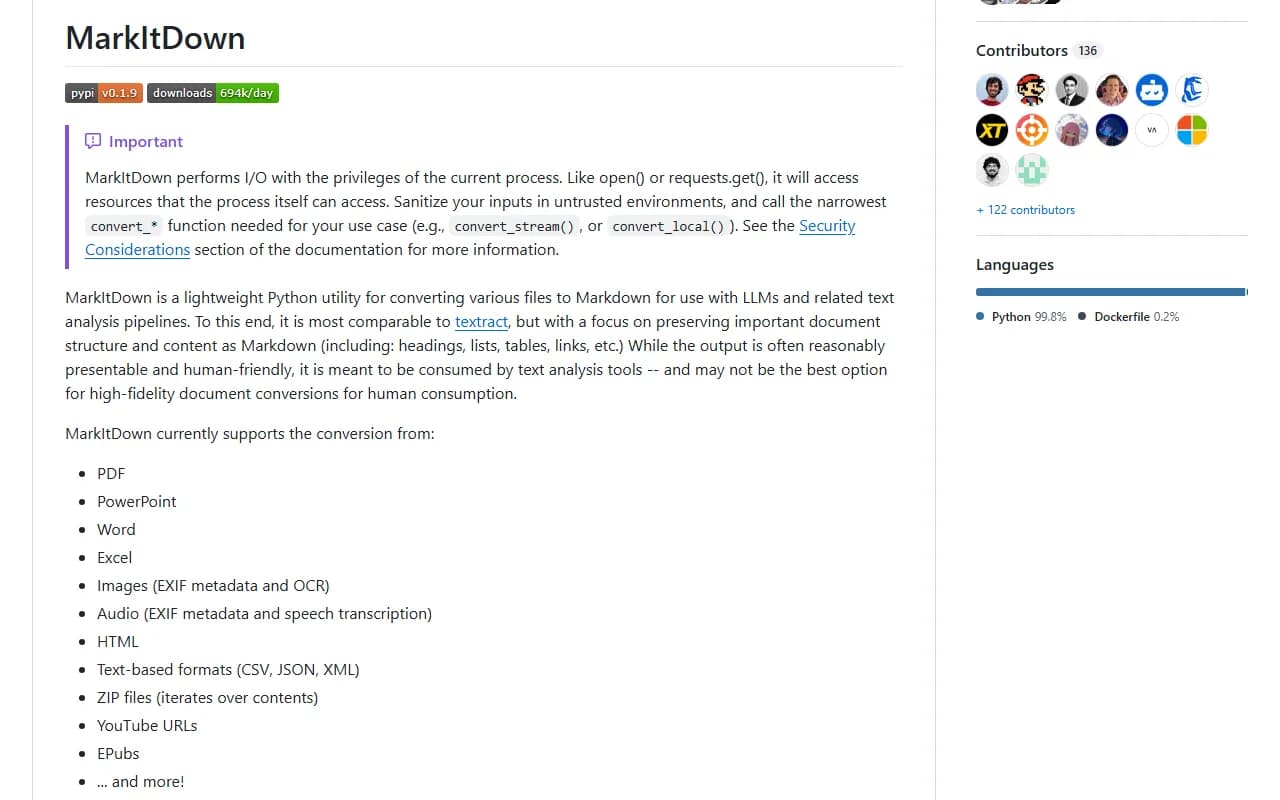
anydoc converts documents into Markdown, the simple text format AI models read best. It handles Word, PowerPoint, Excel, OpenDocument, RTF, EPUB, CSV and PDF, and keeps headings, lists, tables and footnotes.
It ships as an agent skill: a set of instructions that teaches Claude Code when and how to run the converter. It runs on your computer, so files are not uploaded unless you turn on OCR for scanned PDFs.
Install it
- Open your terminal.
- Run the command below to add the anydoc skill.
- Start or restart Claude Code.
Copy this
npx skills add firecrawl/anydoc
Use it
- Put a document in your project folder and ask Claude to read or summarize it, for example: summarize report.docx.
- To convert a file yourself, run npx @firecrawl/anydoc report.docx in the terminal. Add -o report.md to save the result to a file.
- Want to try it first with no install? Use the browser demo linked below. Files are converted in your browser and never leave your machine.
Good to know
anydoc reads text-based PDFs locally but does no OCR (reading text from scanned images). For scanned PDFs, add --ocr hosted and the whole document is sent to Firecrawl Parse. No signup is needed, and a FIRECRAWL_API_KEY gives higher limits.
Encrypted or password-protected files cannot be converted.
Want the next one first?
One new guide a week, straight to your inbox.