LOCALYou commented this keyword
Ollama
A free tool to download and run open AI models locally, with one command to connect them to Claude Code and other coding agents.
Before you start:
- macOS, Windows or Linux
- Disk space for the models you download
- Setup
- 10 min
- Level
- Beginner
- Stars
- 182k
- License
- MIT
What it does
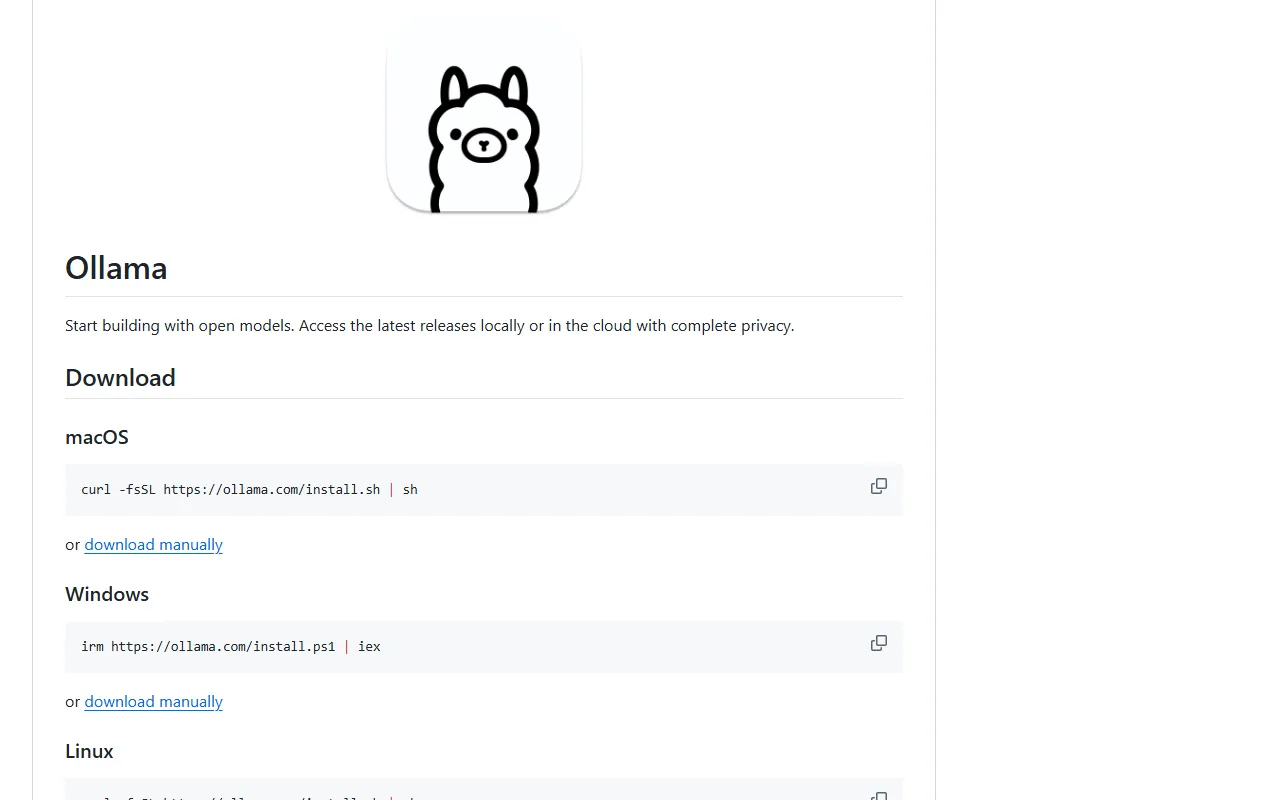
Ollama downloads and runs open AI models directly on your computer, so prompts stay local and there is no per-use cost. You can chat with a model, call it from a REST API, or use the Python and JavaScript libraries.
It can also connect to coding agents and apps, including Claude Code, with a single launch command.
Install it
- On macOS or Linux, run the install command below. On Windows, run `irm https://ollama.com/install.ps1 | iex`, or download the installer from ollama.com/download.
- Run `ollama` to get started; it prompts you to run a model or connect to your agents and apps.
- Download and chat with a model, for example `ollama run gemma4`. Browse the full list at ollama.com/library.
Install (macOS / Linux)
curl -fsSL https://ollama.com/install.sh | sh
Use it with Claude Code
- Run the launch command below to connect Ollama to Claude Code.
- See the integration guide in the docs for details, and for other integrations like Codex and Copilot CLI.
Connect Claude Code
ollama launch claude
Good to know
Models run against your own hardware, so larger models need more memory and a capable GPU helps. There is also an official Docker image and a REST API at http://localhost:11434. Licensed MIT.
Want the next one first?
One new guide a week, straight to your inbox.