WEATHERYou commented this keyword
Public APIs
A community-curated directory of public APIs sorted by topic, from weather and finance to animals and sports, that Claude can build with.
- A web browser
- Setup
- 5 min
- Level
- Beginner
- Stars
- 487k
- License
- MIT
What it does
An API is a way for one program to ask another for data, like a weather service handing back today's forecast. This repo is a long, hand-curated list of public APIs grouped into categories such as Weather, Finance, Books, Food & Drink, Sports & Fitness, Government and many more.
Each entry tells you whether it needs a key (Auth), whether it uses HTTPS, and whether it works from a browser (CORS). There is also a section of MCP servers, which are connectors you install into Claude so it can call an API as a tool.
How to use it
- Open the repo and scroll to the Index. Click the category you care about, for example Weather.
- Scan the table. Entries with Auth set to "No" work without signing up for a key, which makes them the quickest to try.
- Click the API's name to open its own documentation and copy the link.
- Give that link to Claude and ask it to build something with it (see the prompt below).
Copy this
Read the docs at <paste the API's link> and build me a simple web page that shows <what you want> using this API. Tell me if I need an API key and where to get it.
Use it
- In Claude Code, paste the prompt in your project folder and let Claude write and run the code.
- On claude.ai, ask for the page as an artifact so you can preview it right away.
- If the API needs a key, sign up on its site and keep the key private. Do not paste it into public pages.
Good to know
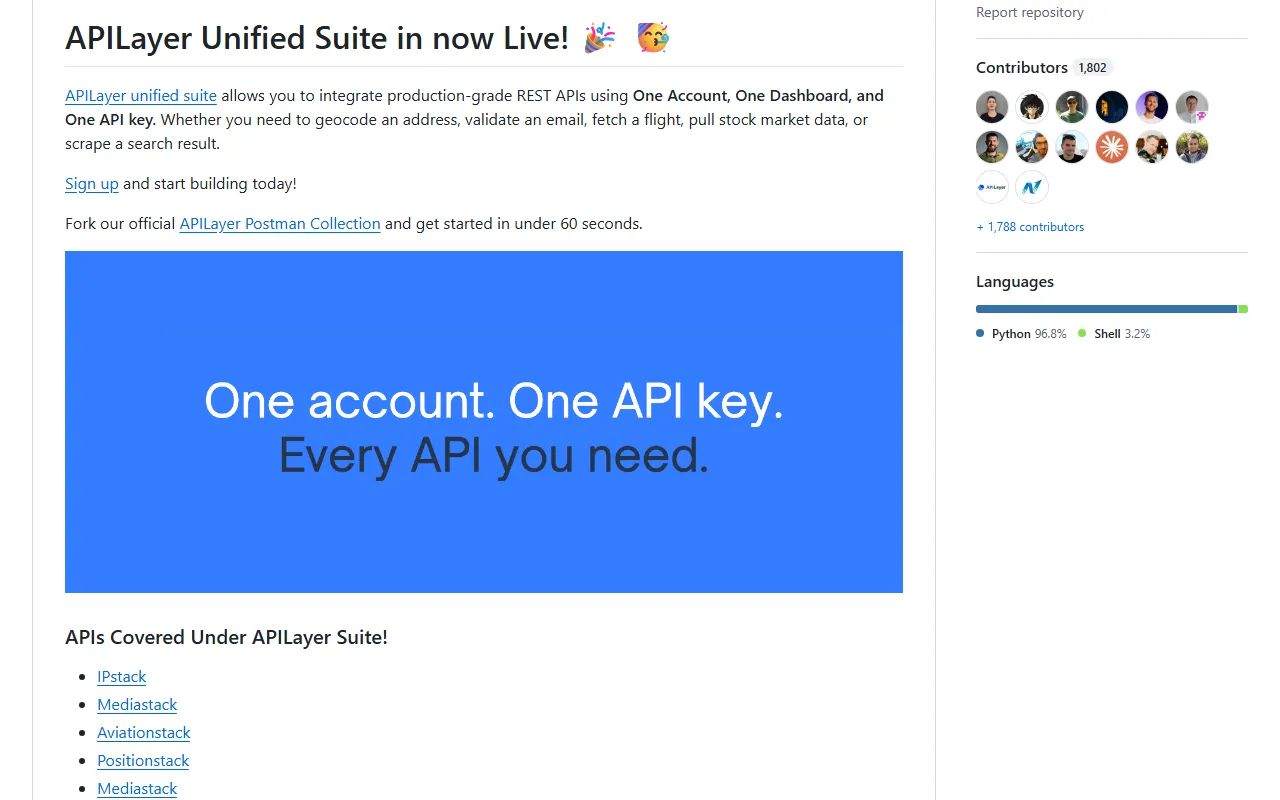
The list is maintained by community members and people at APILayer, and the top of the README promotes APILayer's paid suite. Everything in the categories below is a link to someone else's service, so check each API's own terms and limits before relying on it.
Want the next one first?
One new guide a week, straight to your inbox.