UNPLUGYou commented this keyword
Project NOMAD
A self-hosted, offline-first server that bundles offline Wikipedia, courses, maps, data tools and a local AI assistant, accessed through your browser.
- A Debian-based OS (Ubuntu 26.04 LTS recommended)
- sudo/root access
- 5GB+ free disk (far more for content and AI)
- Setup
- 30 min
- Level
- Advanced
- Stars
- 39.2k
- License
- Apache-2.0
What it does
Project NOMAD is a self-contained server that keeps knowledge and tools available with no internet. It bundles offline Wikipedia and reference libraries (via Kiwix), Khan Academy courses (via Kolibri), offline maps, data tools, local notes, and a local AI chat assistant that can search your documents.
You install it from the terminal and use everything through a browser. A Command Center UI manages the containerized tools, their updates and the content you download.
Install it
- Use a Debian-based machine (Ubuntu 26.04 LTS is recommended; 24.04 and Debian 12 also work).
- Run the quick-install command below with sudo. It downloads and runs the official install script.
- When it finishes, open a browser to http://localhost:8080 (or http://DEVICE_IP:8080 from another device).
- Follow the setup wizard to pick which content collections to download.
Copy this
sudo apt-get update && \
sudo apt-get install -y curl && \
curl -fsSL https://raw.githubusercontent.com/Crosstalk-Solutions/project-nomad/refs/heads/main/install/install_nomad.sh \
  -o install_nomad.sh && \
sudo bash install_nomad.sh
Use it
- Open the Command Center in your browser and explore the built-in library, courses and tools.
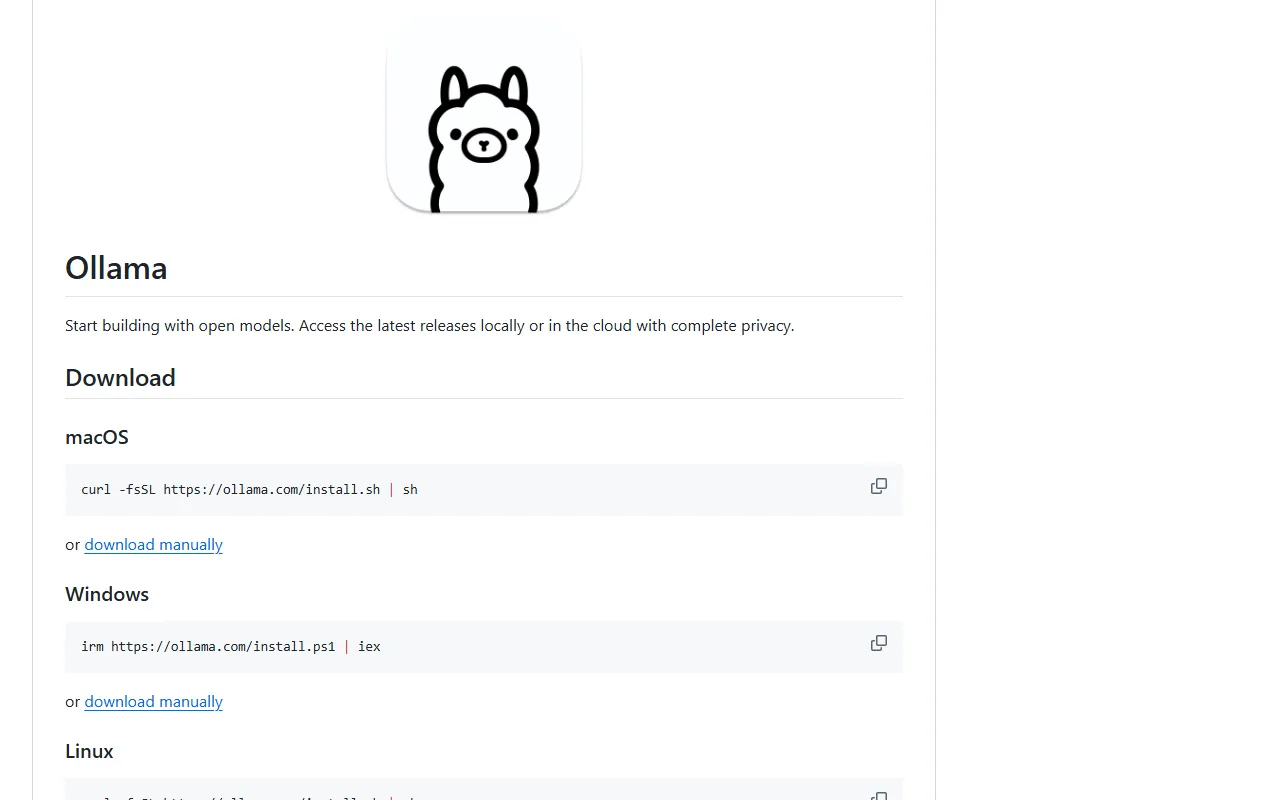
- Add the AI Assistant from the catalog. By default it runs Ollama on the host, or you can point it at an Ollama or OpenAI-compatible server on another machine.
- Windows users can follow the community WSL2 guide linked in the README.
Good to know
NOMAD itself is light (about 5GB disk, under 1GB RAM), but the AI Assistant is heavy: adding it brings the install to around 25GB, and large models want a GPU and plenty of memory. The README lists optimal specs of a Ryzen 7 / Core i7, 32GB RAM, an NVIDIA RTX 3060 or better, and 250GB of SSD.
By design NOMAD has no authentication and is not meant to be exposed directly to the internet. An internet connection is only needed during install and when you download more content. Licensed Apache 2.0.
Want the next one first?
One new guide a week, straight to your inbox.