UPGRADEYou commented this keyword
VengeanceUI
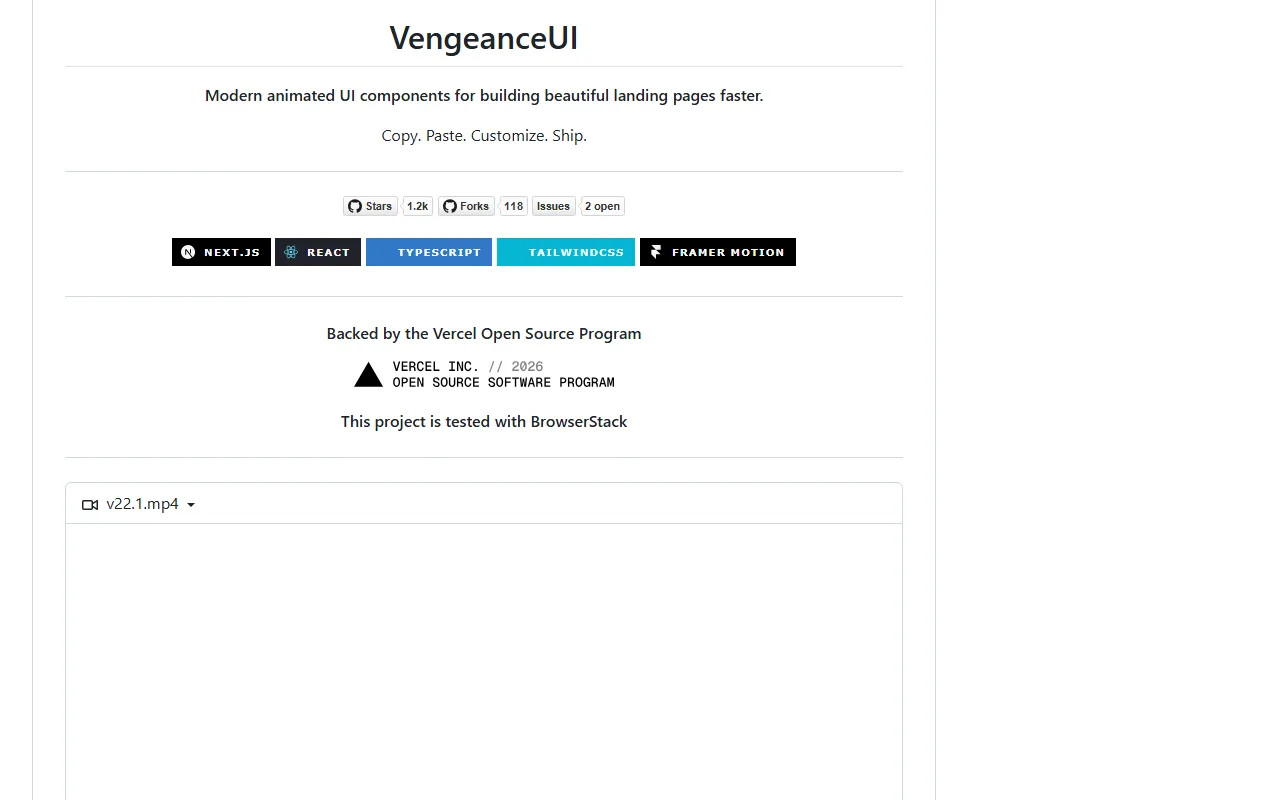
Copy-paste animated UI blocks for landing pages, built with React, Tailwind CSS and Framer Motion.
Before you start:
- A React or Next.js project with Tailwind CSS
- Setup
- 5 min
- Level
- Beginner
- Stars
- 1.2k
- License
- MIT
What it does
VengeanceUI is a set of ready-made, animated UI components for landing pages and marketing sites: hero sections, animated navigation bars, product showcases, feature sections, testimonials and more.
The components are built with React, TypeScript, Tailwind CSS and Framer Motion, and are meant to be copied into your project and customized.
How to use it
- Open the repo and look through the component source and the demo video in the README.
- Copy the code for the component you want into your React or Next.js project.
- Make sure your project has Tailwind CSS and Framer Motion, which the components rely on.
- Adjust the text, colors and spacing to match your brand.
Copy this
Here is a VengeanceUI component I want on my landing page: <paste the component code>. Add it to my project, install anything it needs, and change the copy and colors to match the rest of my site.
Good to know
The README does not include a package install command or a component list, so you copy components by hand. It is backed by the Vercel Open Source Program.
Links
Want the next one first?
One new guide a week, straight to your inbox.